Turn Foot Traffic into Followers with a Link-in-Bio Page
By RooQR Growth Team · Published in Australia
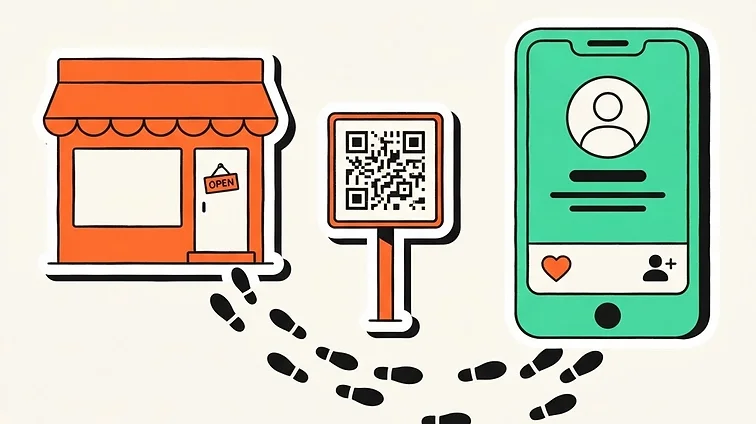
A customer scanning a sign usually has a specific task in mind. A focused bio page can offer that task first, without sending them through a large website menu.
Choose a short list of useful actions
Lead with the action that matters most to your visitors. A café might put its menu first. A service business might lead with a booking link or phone number. Reviews and social profiles can follow.
- Use labels that explain the destination.
- Link to your existing booking or newsletter provider.
- Test every destination on a phone.
- Remove expired offers and links you no longer use.
Use RooQR’s design controls
Big Red includes up to 3 hosted bio profiles, with editable themes, backgrounds, typography, buttons, social links and media blocks. An active Big Red plan is required for bio pages; Mate provides QR generation only.
RooQR hosts the page and its links. It does not replace your booking provider, ecommerce checkout or email list service. Visitors complete those actions at your chosen destinations.
Measure without promising a result
A clearer page may make it easier for visitors to find the next step, but no layout guarantees more sales, reviews or bookings. Dynamic QR scan totals are verified, abuse-filtered estimates. Use your destination provider’s reporting to measure completed actions.
Know the branding options
Big Red bio pages show a small “Made with RooQR” badge. The optional lifetime branding-removal add-on is A$10, and requires an active Big Red plan to purchase and use bio pages. QR codes themselves do not carry RooQR branding.
See the bio page setup guide to get started.
Ready to build your next QR code?
Start free on the Mate plan today.