A QR Print Checklist for Australian Small Businesses
By RooQR Team · Published in Australia
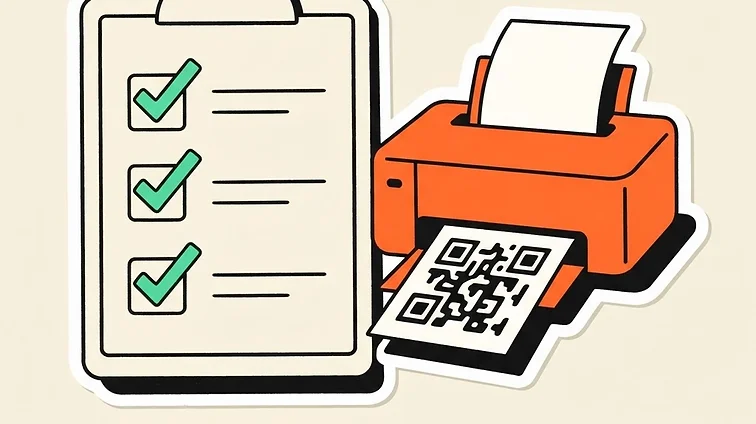
A QR code that looks clear on your laptop can still struggle on a glossy window sticker or a small business card. Before ordering a batch, test the same artwork, material and size your customers will actually see.
Start with a destination that works on a phone
Open your URL on a phone before building the code. Check that the page is public, loads without an unexpected login and has readable text. For a PDF menu, confirm that the file URL remains available and that the menu is usable on a small screen.
RooQR’s PDF code option encodes a file link. You remain responsible for hosting the PDF and keeping its contents and URL up to date.
Keep the code dark and the background light
High contrast makes the pattern easier for a camera to distinguish. A brand colour can work, but pale dots on a pale background are a risky choice. Avoid transparent backgrounds placed over photographs, patterned paper or reflective materials.
Leave the clear margin around the code intact. This quiet zone helps a camera separate the QR pattern from surrounding artwork. A decorative frame should sit outside that margin.
Choose a size for the scanning distance
A code on a card can be scanned from close range. A code on a window or A-frame needs to work from further away. Dense codes containing long URLs or contact details may need more space than a short redirect link.
There is no single minimum size that works for every design, camera and placement. Ask your printer for a proof and test at the intended distance rather than relying on a universal millimetre rule.
Use a label that matches the action
RooQR’s banner frames let you add a clear prompt. “View menu”, “Review us” and “Save our details” are more useful than an unexplained square. Only use “Order and pay” if the destination actually supports ordering and payments through your chosen provider.
Test before you print the whole batch
- Print the final download at its actual size.
- Try at least two different phones.
- Check under daylight and the venue’s normal indoor lighting.
- Test after placing the code behind glass or applying a laminate.
- Confirm the final destination and every important button.
- Keep a readable URL nearby where practical.
Plan for future changes
Choose a static code when the information is fixed. Choose a Big Red dynamic code when you expect to change a menu, promotion or destination without replacing the printed pattern. Dynamic redirects depend on RooQR’s service; static links still depend on the destination being available.
Ready to design your next sign? Try the RooQR builder and print one sample before ordering more.
Ready to build your next QR code?
Start free on the Mate plan today.