
QR Menu Links for Australian Cafés and Hospitality Venues
By AI8848 Hospitality Lab · Published in Australia
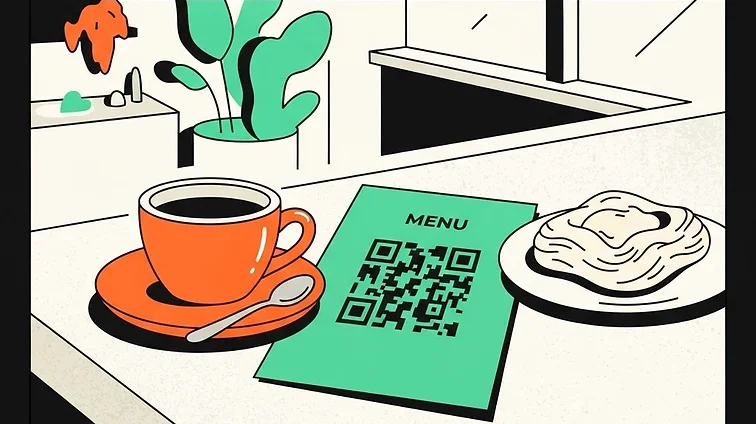
A QR code can make a menu easy to open on a phone. RooQR creates the code and, with Big Red, an editable redirect. It does not provide a restaurant ordering, payment or kitchen management system.
Choose the actual menu destination
Use a public mobile-friendly menu page or a PDF URL. If you already use an ordering provider, you can link to it. Only label your code “Order and pay” when that destination really supports those actions.
Design for your venue’s lighting
Keep the QR pattern dark against a light background. Avoid reflective placement and leave a clear margin around the pattern. RooQR offers colour, dot, corner and sticker frame controls; choose decoration that does not compromise scanning.
Test size rather than assuming a universal minimum
Print one sample at its final size. Try different phones at the distance customers will use, in your venue’s normal lighting. A wall sign needs a different test from a table tent. Dense content, logos, glass and laminate can all affect reliability.
Keep seasonal changes manageable
A static menu code links directly to the URL you encode. If you replace the URL, the printed static code cannot be edited. A Big Red dynamic code lets you change the saved destination while keeping the printed pattern.
You are still responsible for keeping your menu accurate and your file or website available. Check prices, opening details, and dietary information whenever you update the destination.
Give visitors a fallback
Use a clear label such as “View menu”, and keep a readable web address or another way to access the menu. Read the QR print checklist before ordering signs or coasters.
Ready to build your next QR code?
Start free on the Mate plan today.